
kn工具安装及应用
2026/8/13大约 1 分钟
Serverless · 第 11 篇
来源课程笔记整理优化;插图已迁入博客静态目录。
kn工具安装及应用
一、kn工具介绍
kn工具是Knative命令行管理工具。
二、kn工具下载并安装
访问网址:
https://knative.dev/docs/install/client/install-kn/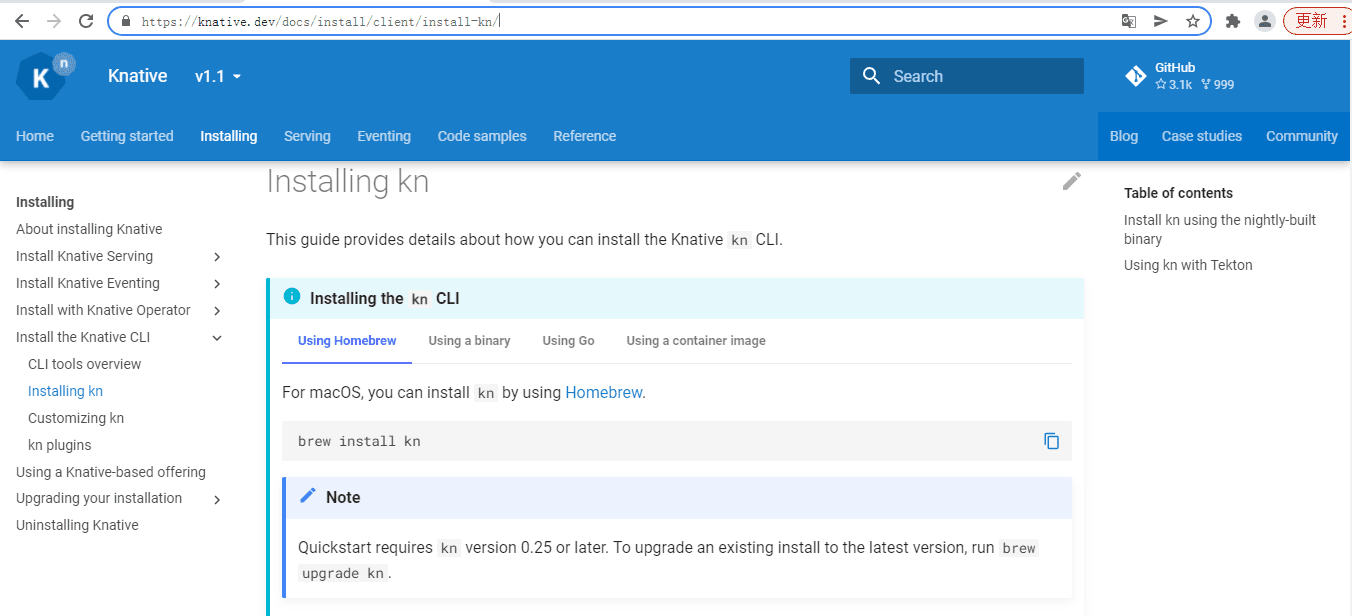
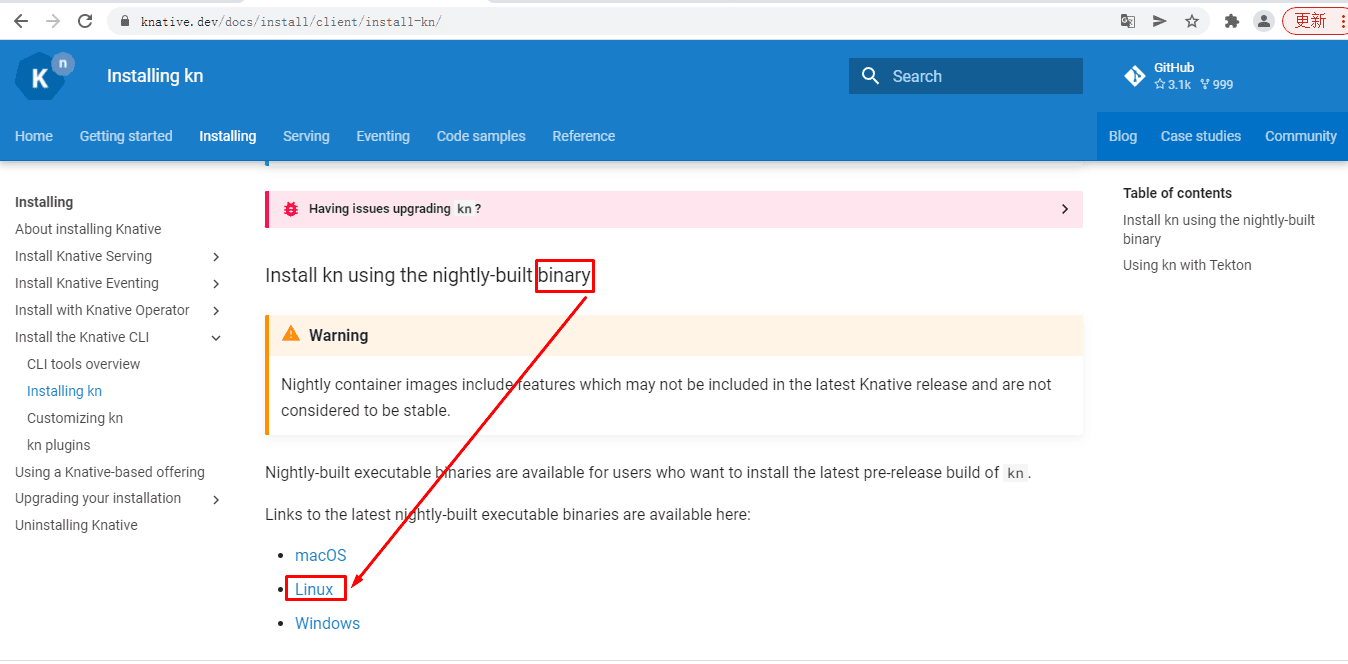
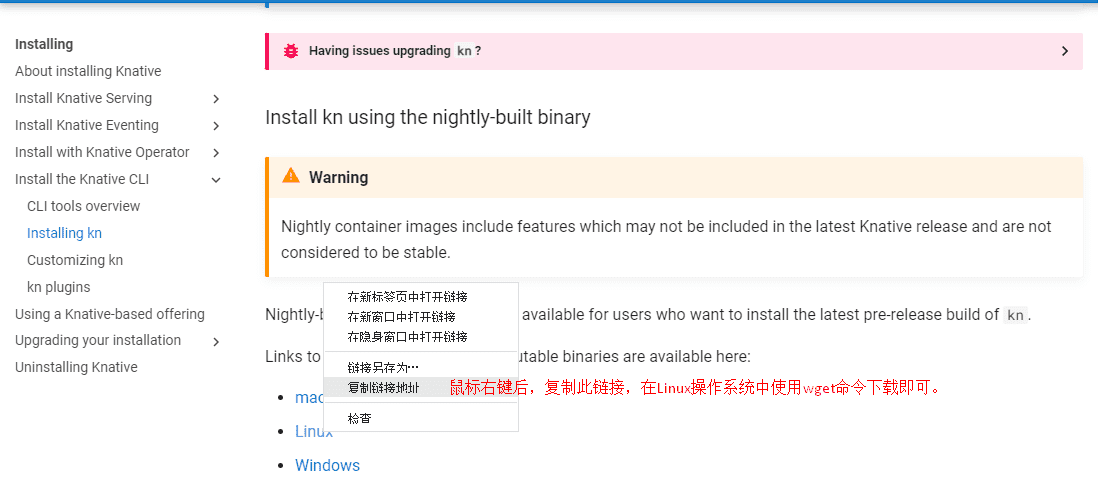
# wget https://storage.googleapis.com/knative-nightly/client/latest/kn-linux-amd64# mv kn-linux-amd64 kn# mv kn /usr/bin/# chmod +x /usr/bin/kn三、kn工具应用
# kn
kn is the command line interface for managing Knative Serving and Eventing resources

 Find more information about Knative at: https://knative.dev

Serving Commands:
  service      Manage Knative services
  revision     Manage service revisions
  route        List and describe service routes
  domain       Manage domain mappings
  container    Manage service's containers (experimental)

Eventing Commands:
  source       Manage event sources
  broker       Manage message brokers
  trigger      Manage event triggers
  channel      Manage event channels
  subscription Manage event subscriptions

Other Commands:
  plugin       Manage kn plugins
  completion   Output shell completion code
  version      Show the version of this client

Use "kn <command> --help" for more information about a given command.
Use "kn options" for a list of global command-line options (applies to all commands).
查看KSVC
# kn service list
NAME URL LATEST AGE CONDITIONS READY REASON
cloudevents-player http://cloudevents-player.default.knative.example.com cloudevents-player-00001 5h48m 3 OK / 3 True
helloworld-java-spring http://helloworld-java-spring.default.knative.example.com helloworld-java-spring-00001 18h 3 OK / 3 True查看路由
# kn route list
NAME URL READY
cloudevents-player http://cloudevents-player.default.knative.example.com True
helloworld-java-spring http://helloworld-java-spring.default.knative.example.com True查看broker
# kn broker list
NAME URL AGE CONDITIONS READY REASON
example-broker http://broker-ingress.knative-eventing.svc.cluster.local/default/example-broker 6h13m 6 OK / 6 True